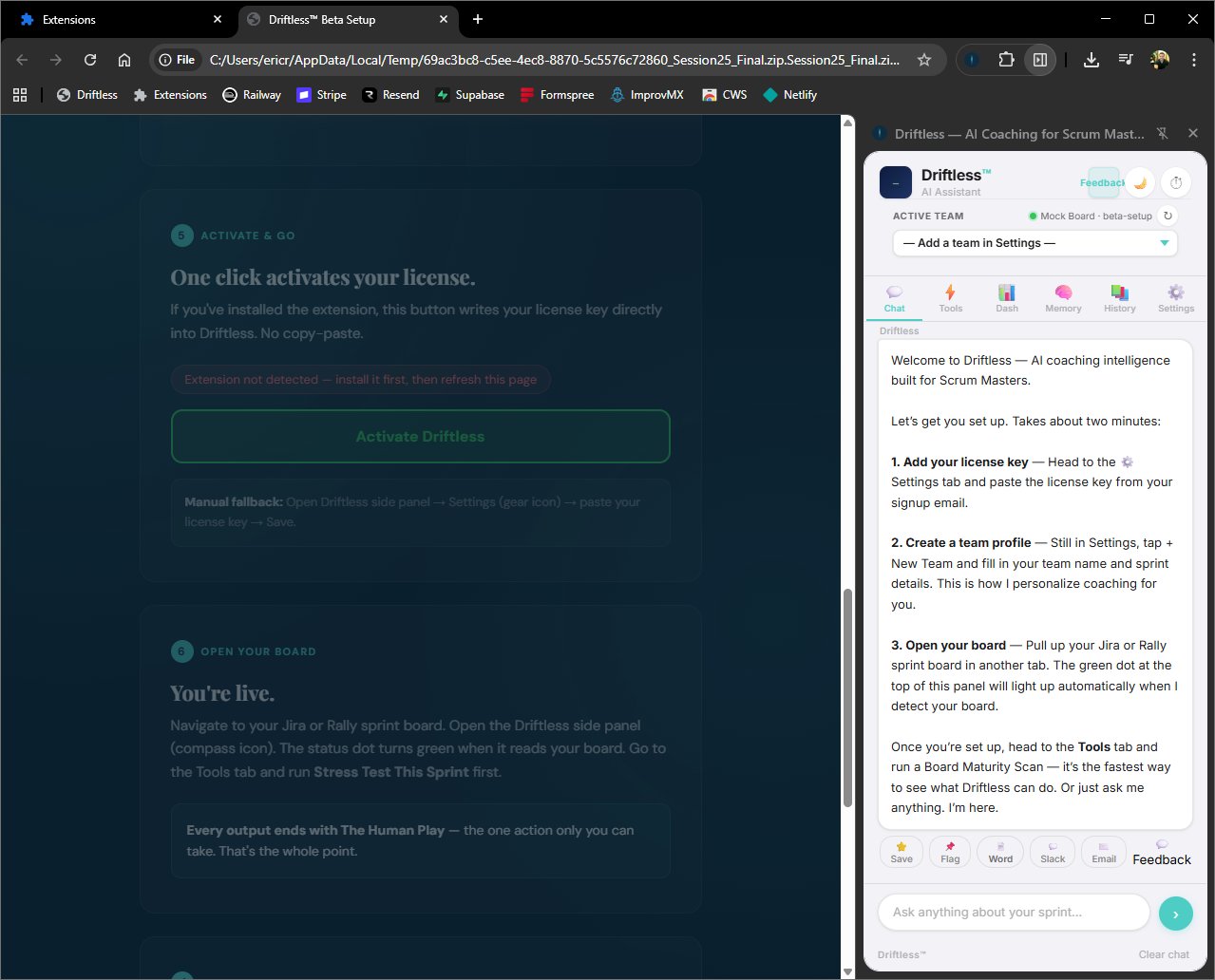
I've been a Scrum Master for over a decade. Driftless started because I needed help. The admin tax was eating the parts of the job that actually matter — being in the room, coaching people, building teams. My own teams used it and started getting real value from it. That's when I knew it had to be bigger than just me.
Right now it is just me. No engineering department. No corporate board. Just me, my laptop, and a stubborn belief that our craft deserves better tools.
This is free. No credit card, no countdown, no strings. I'm gathering data to understand if this is useful for SMs beyond my own teams. Try it on your real board. Tell me what works and what doesn't. That feedback is worth more to me than anything.
— Eric Reighard, Founder
First things first.
This keeps your coaching data and license key private to you.
Your key. Free. No expiration.
One click and it's yours. We'll also email it to you as a backup.
Grab the file.
This downloads a .zip file. You'll unzip it in the next step.
Download Driftless (.zip)Load the extension.
Takes about 2 minutes. Follow these steps exactly:
Unzip the downloaded file
Right-click the .zip → Extract All. Remember where you put it.
Open Chrome Extensions
Go to chrome://extensions in your address bar.
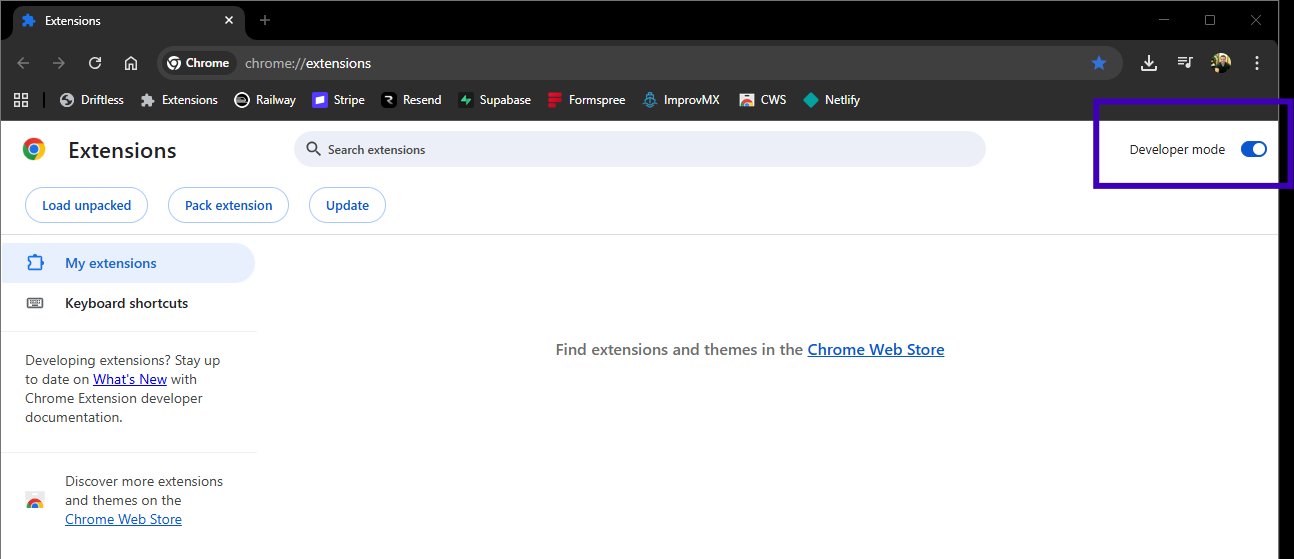
Enable Developer Mode
Toggle it on in the top-right corner.
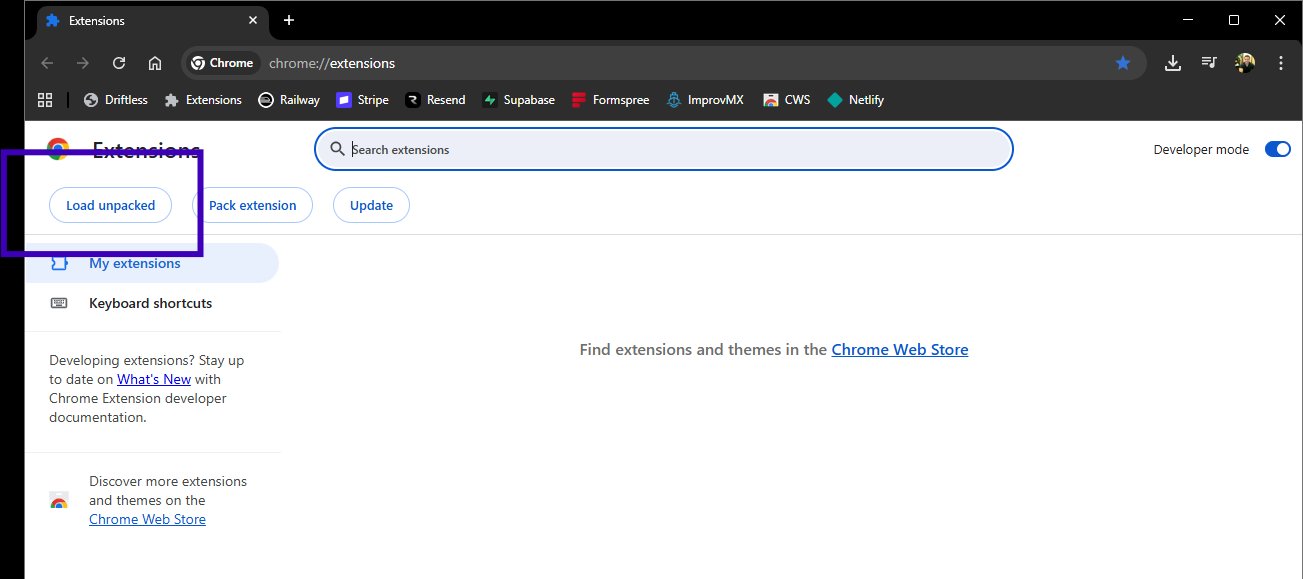
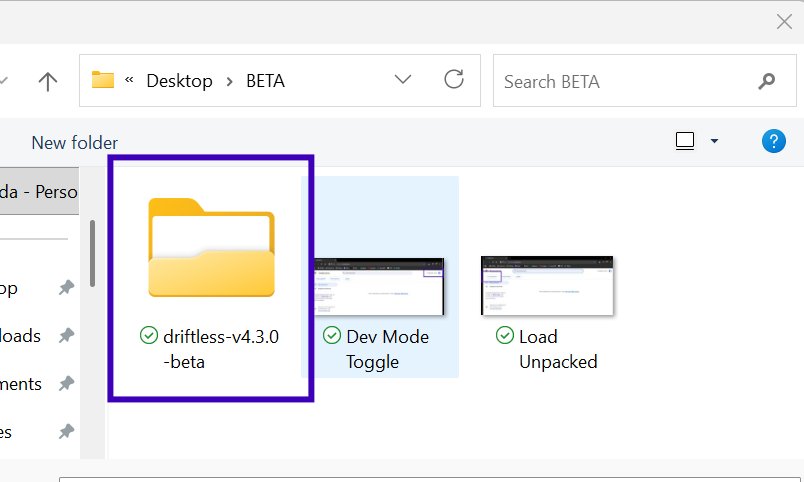
Click "Load unpacked"
Select the unzipped folder (the one with manifest.json inside it).
Pin it to your toolbar
Click the puzzle piece icon → find Driftless → click the pin.

Paste your key. Open your board.
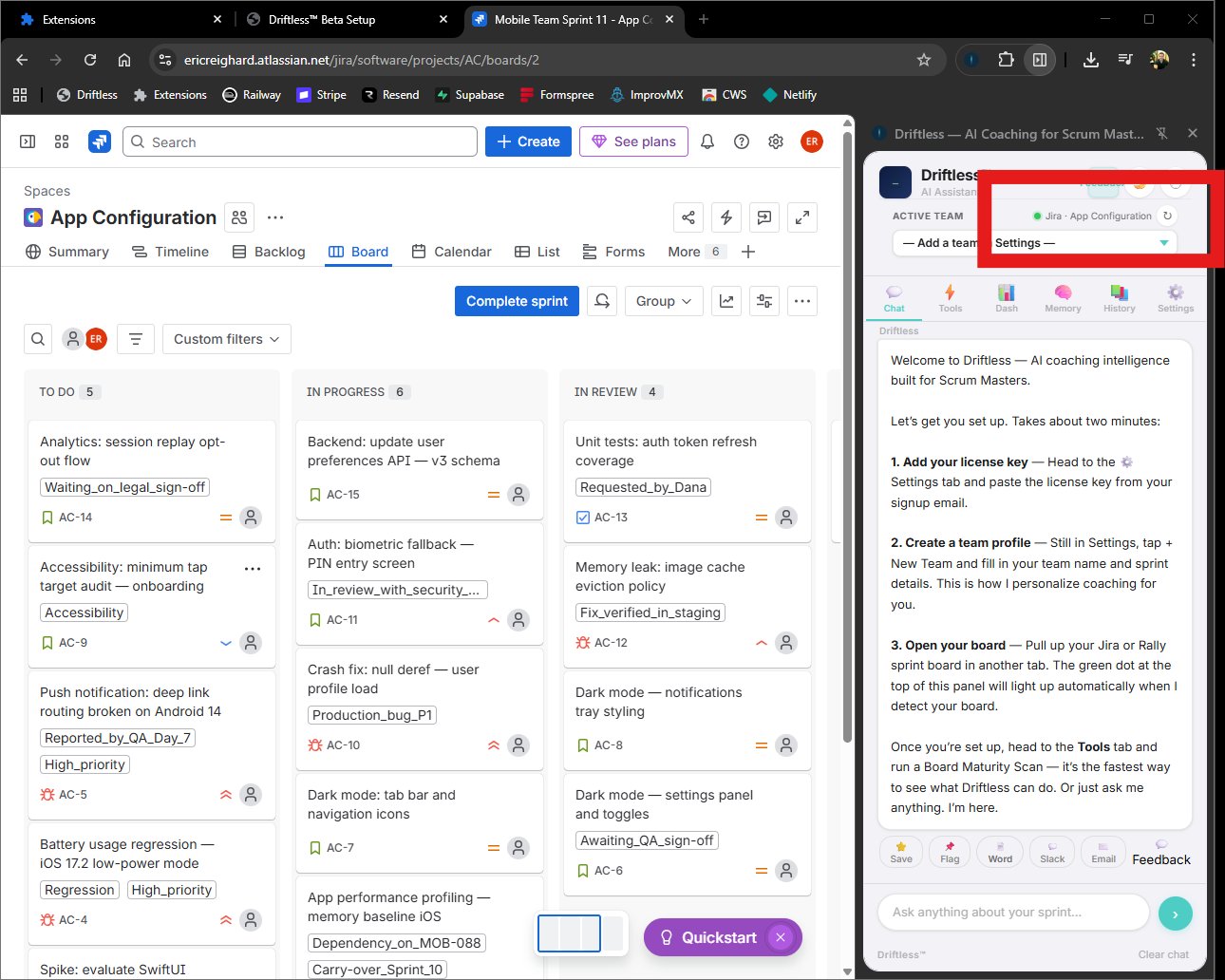
Open the Driftless extension → go to Settings → paste your license key. Then open your Jira or Rally sprint board and click any tool.